 XP One
// SOURCE_01
Reactions
Everyone who reacted to a post — yours, a competitor's, or any post your buyers read.
Four moves, one platform, one subscription. You collect people who just showed a signal, you find their email and phone, you reach them on LinkedIn, WhatsApp and email, and you follow every thread in a native CRM. Nothing leaves the platform.
Everything described on this page is live in the product today. What is not live yet is on the roadmap, labelled as such.
XP One collects prospects from 11 collection sources on LinkedIn, with collection quotas by source type: 100 profiles, 150 reactions and 150 people-search results a day. It then finds an email for 1 credit and a phone number for 10, at 80%+ accuracy, and refunds the credits when nothing is found. Campaigns run on LinkedIn, WhatsApp and email from the same list, and every prospect is tracked in a native CRM.
Measured on XP One accounts, May 2026.
Cold lists are a tax on your reply rate. The XP One Chrome extension collects prospects from 11 LinkedIn entry points, at the moment they do something: react, comment, repost, attend, follow. A dated signal is the raw material — the rest of the platform runs on it.
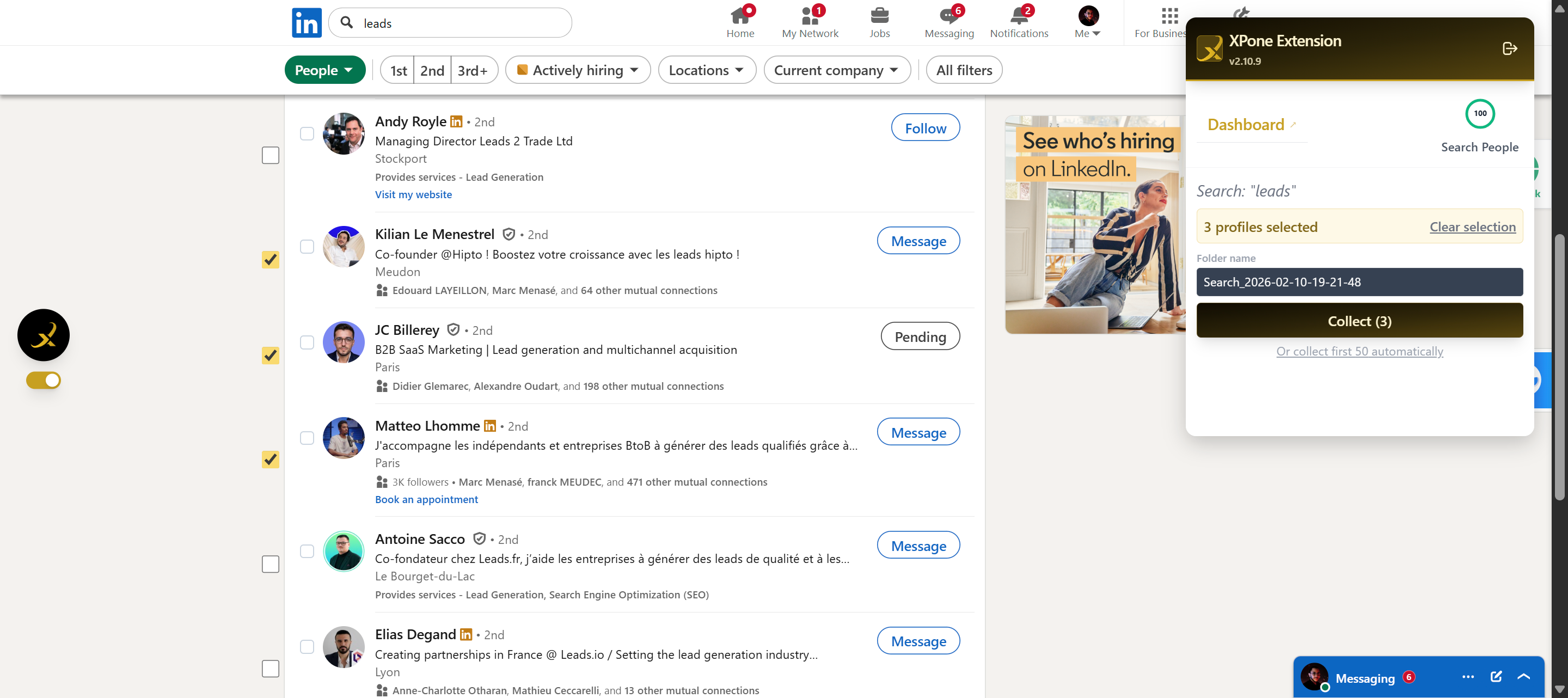
Everyone who reacted to a post — yours, a competitor's, or any post your buyers read.
Commenters wrote something. That is a stronger signal than a like, and you have the text to open with.
People who put a topic in front of their own network. They care enough to sign it.
Your own network, exported into a workable list instead of an infinite scroll.
The people who chose to hear from an account without ever being asked.
A registration is a stated interest, with a date and a topic attached to it.
One profile, one click, straight into your list with its full detail card.
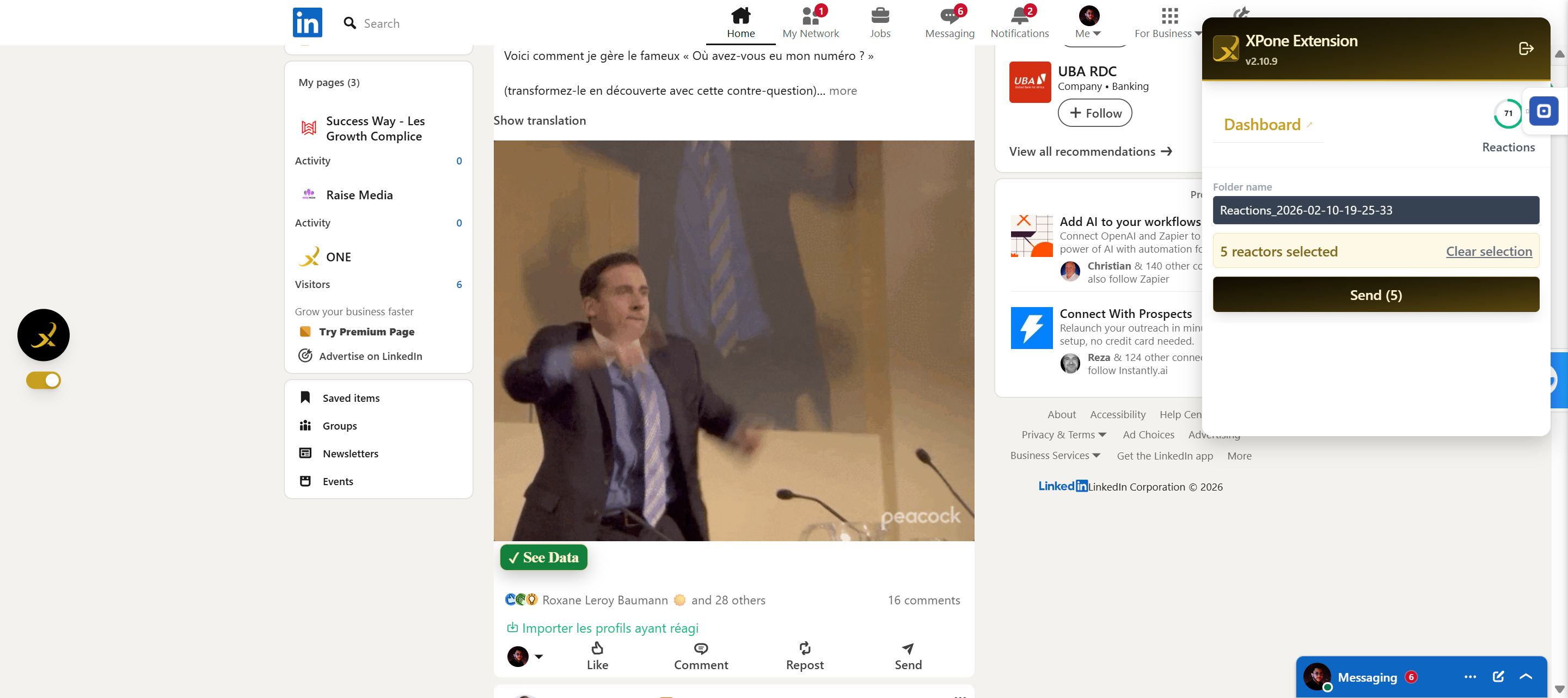
Any LinkedIn search you can build, collected page by page or in one pass.
The same search results, but you tick the profiles you want instead of taking the whole page.
A post's reactions, picked one by one — only the people worth keeping.
The members of a LinkedIn group, collected as a list built around a shared topic.
| Behaviour | What it means for you |
|---|---|
| Bulk or selective | Take the whole audience of a post, or tick only the profiles you actually want. Both modes write to the same list. |
| Two-stage detail | A fast simple pass gets the identity of everyone; a detailed pass then fills in the full profile data on the ones you keep. You do not pay attention, or time, on people you discard. |
| Account flags | Premium, Creator and Influencer accounts are flagged on collection, so you can treat a creator with 40k followers differently from a silent profile. |
| 100–150 a day by source type | Collection quotas by source type: 100 profiles, 150 reactions and 150 people-search results a day. Hard ceilings, on purpose. It is the pace a human account can hold without drawing attention — see the anti-ban engine below. |
| Self-healing extension | LinkedIn changes its markup constantly. The Chrome extension is built to absorb those changes instead of breaking on the next release. |
| Invitation withdrawal | Pending invitations that went nowhere can be withdrawn from the extension, so your pending queue stays clean. |
Limits enforced by the XP One campaign engine and the Chrome extension, v2.16.x.
A name on a list is not a prospect. XP One finds the professional email and the phone number, then checks whether that number is an active WhatsApp account — which is the difference between a channel you can use and a number you will dial into a void.
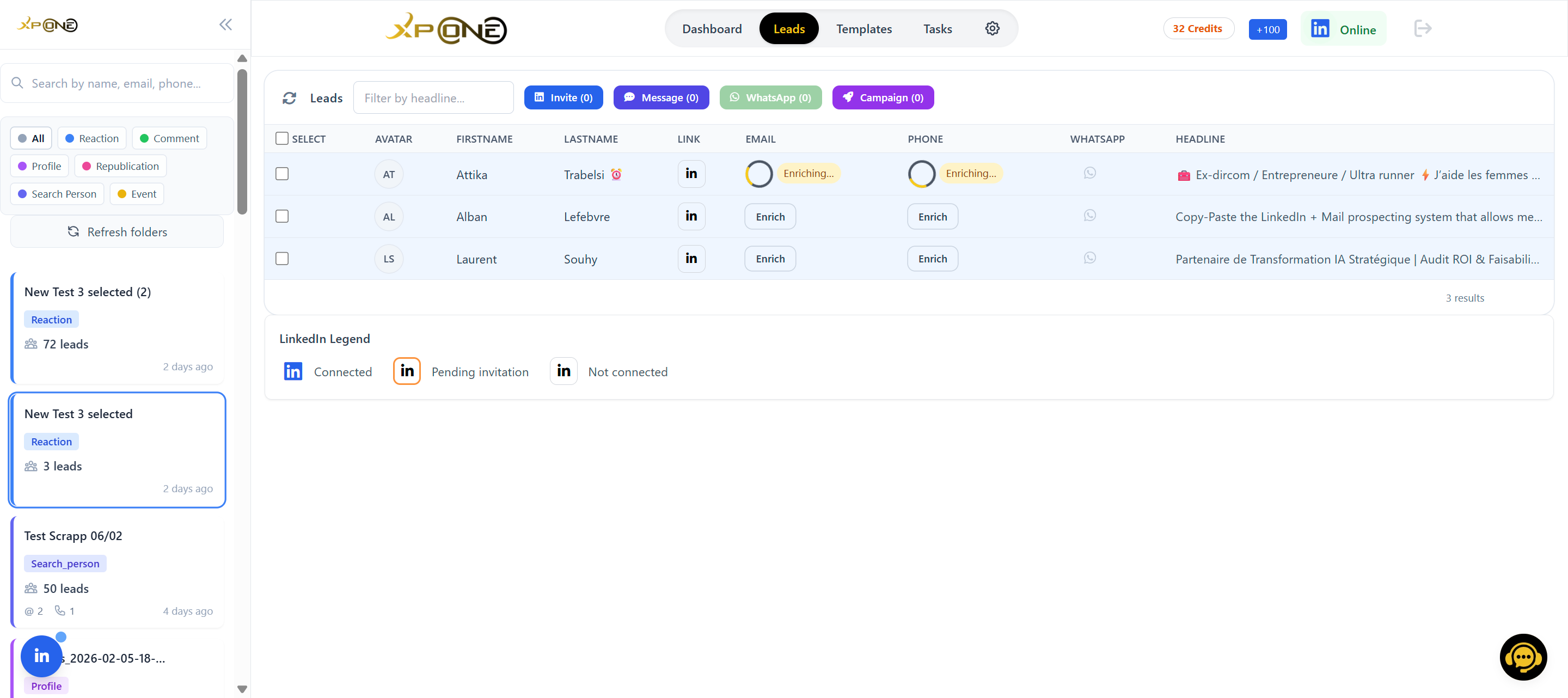
Measured on XP One accounts, May 2026.
If nothing is found, the credits are returned to your balance. An enrichment that fails costs you nothing but the second it took.
What you did not spend this month is still there next month. Renewal adds to your balance instead of wiping it, so a slow month is not a loss.
Every phone number is checked for an active WhatsApp account. Only those numbers feed WhatsApp campaigns, so you are never writing into an inactive line.
LinkedIn and WhatsApp are where B2B answers. Email is where volume lives. XP One runs all three from the same prospect list, with the same templates and the same tracking — no export, no second tool, no second invoice.
Three campaign shapes, chosen when you create the campaign:
Grow the network first, sell later. The invitation carries a note or goes out bare, your call.
The message fires once the invitation is accepted — so your first real pitch lands in an inbox that opted in.
For people already in your network. No invitation spent, straight to the conversation.
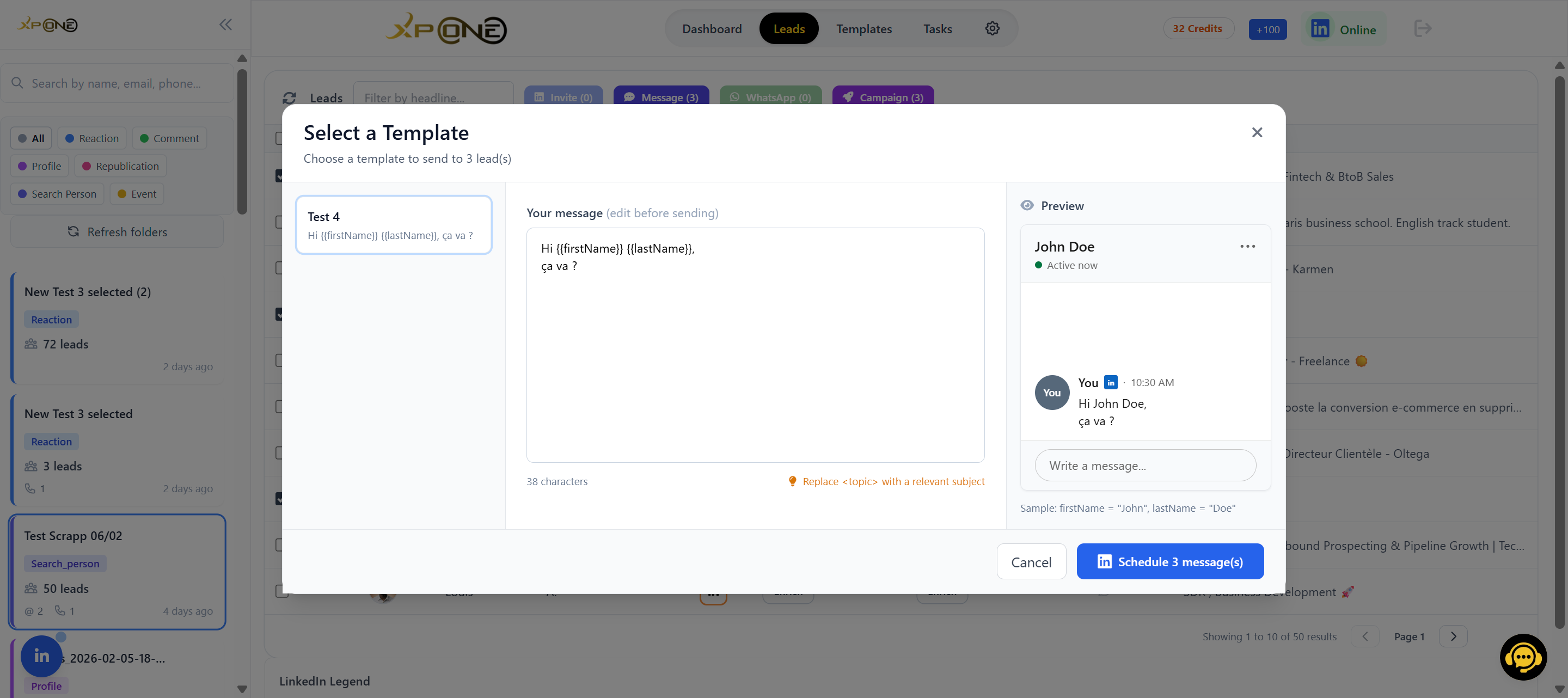
Scheduled tasks that write to the numbers you verified at the enrichment step, and only to those. WhatsApp B2B outreach, from the same list, on the channel people actually read the same day.
Email goes out through your own SMTP — your domain, your reputation, your deliverability. Automatic warm-up is built into the platform rather than sold as a separate subscription, which is the part most stacks charge twice for. 20 emails a day during warm-up, 150 a day once the sender reputation is established — about three weeks.
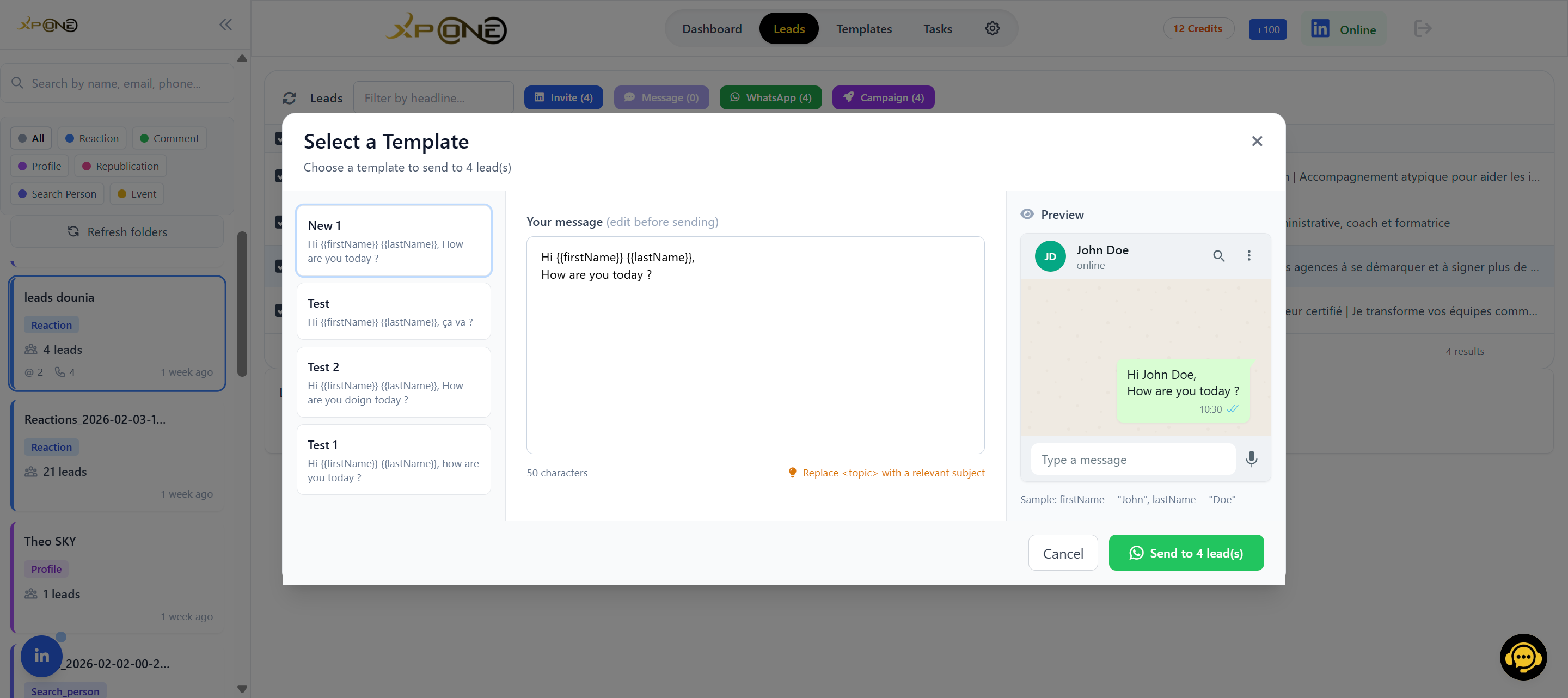
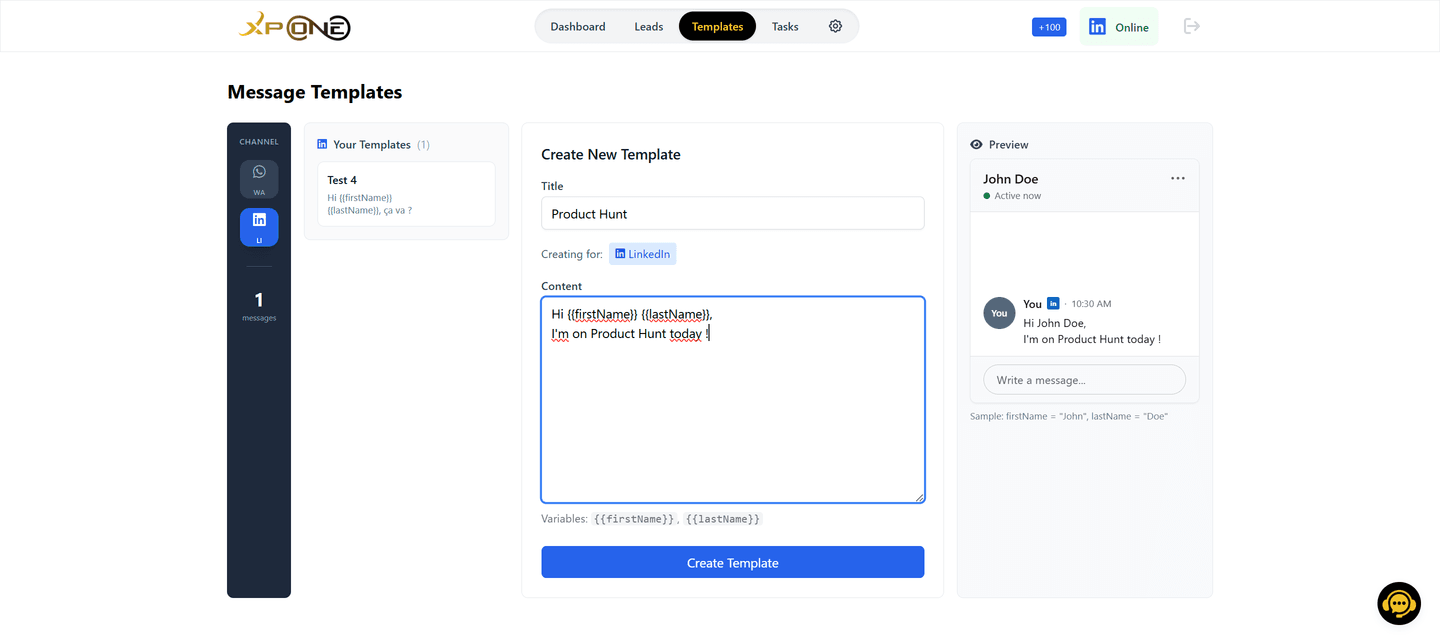
Reusable templates in French and English, with {{firstname}}, {{lastname}}, {{company}} and {{title}} filled from the profile data you collected. One template, a whole audience, no copy-paste.
The CRM is not an integration, it is the same product. Everything you collect, enrich and contact lands in it automatically — so there is no import step, no field mapping, and no second seat to pay for.
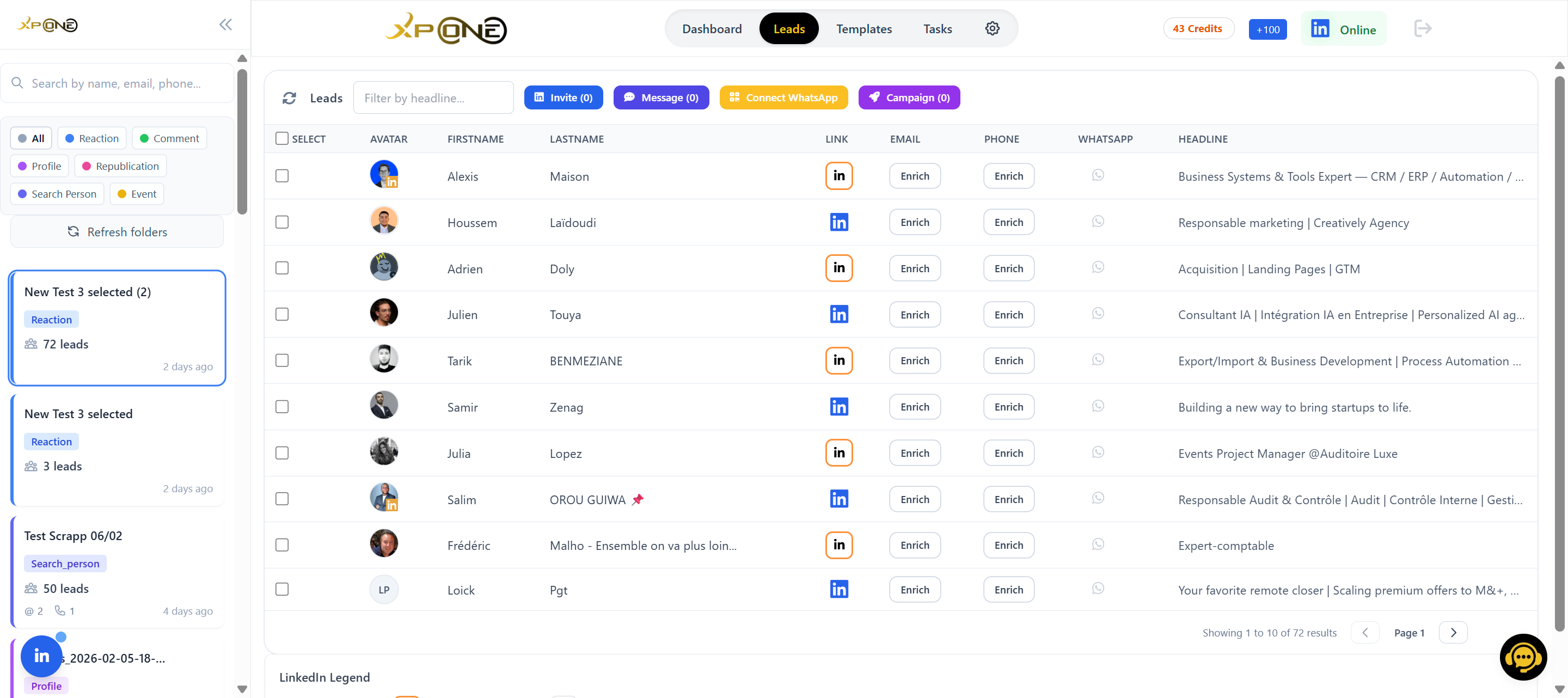
Prospects appear as they are collected. No batch job, no refresh, no waiting for a sync window.
One folder per campaign, per client, per ICP — however you actually think about your pipeline.
Invited, accepted, messaged, replied. You can see where each thread stopped without opening LinkedIn.
Mark someone as contacted, add your own notes, and never send the same opener twice.
A dashboard of what is running, what is queued and what finished, updated while the campaign is still going.
A task stuck for five minutes is picked up by the watchdog, and the campaign resumes on its own instead of dying quietly overnight.
CSV / Excel export on every plan — first name, last name, business email, personal email, phone, headline, LinkedIn URL, company, location, connection status, WhatsApp status, folder; filters “has an email” / “has a phone”. It is the bridge to your CRM or your dialer.
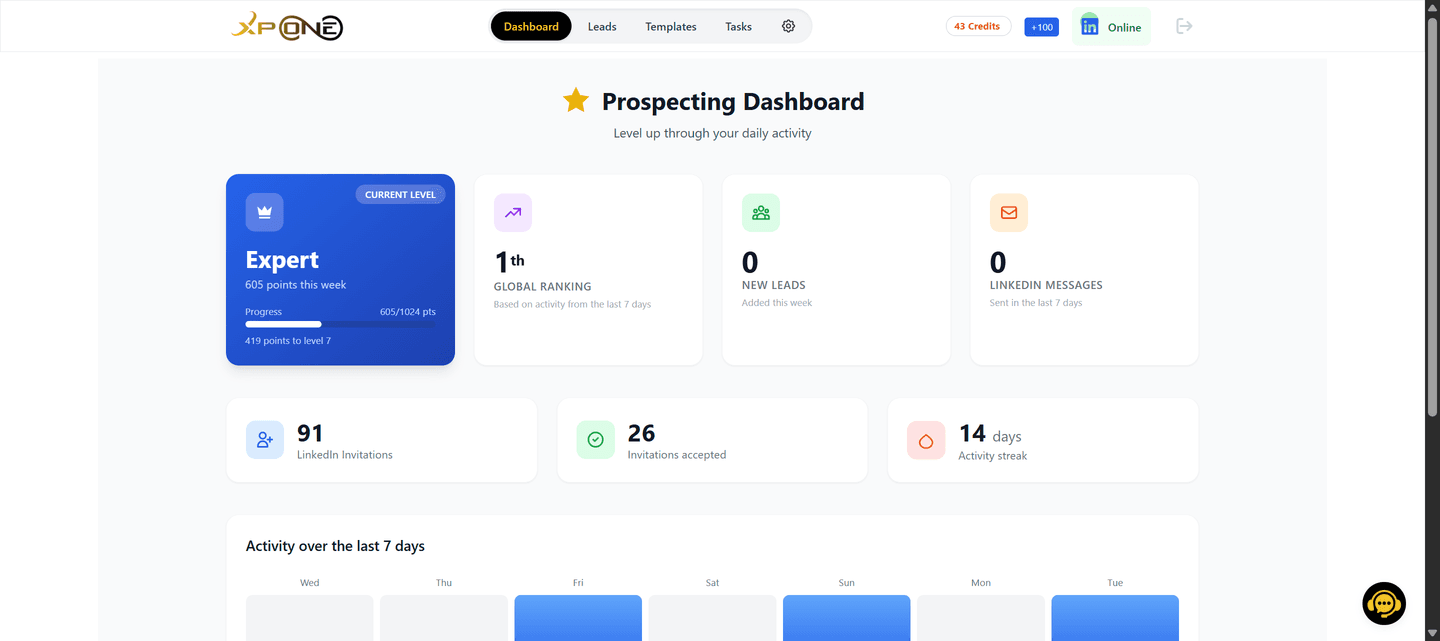
XP AI, the built-in conversational assistant, sits on top of this data to answer questions about your lists and your campaigns without leaving the platform.
Automation tools break accounts when they send like software. XP One paces every action like a person having a normal working day — and it does it whether you asked for it or not, because a restricted account costs more than any campaign is worth. These are the exact limits, published rather than buried.
| Guardrail | Value | Why it exists |
|---|---|---|
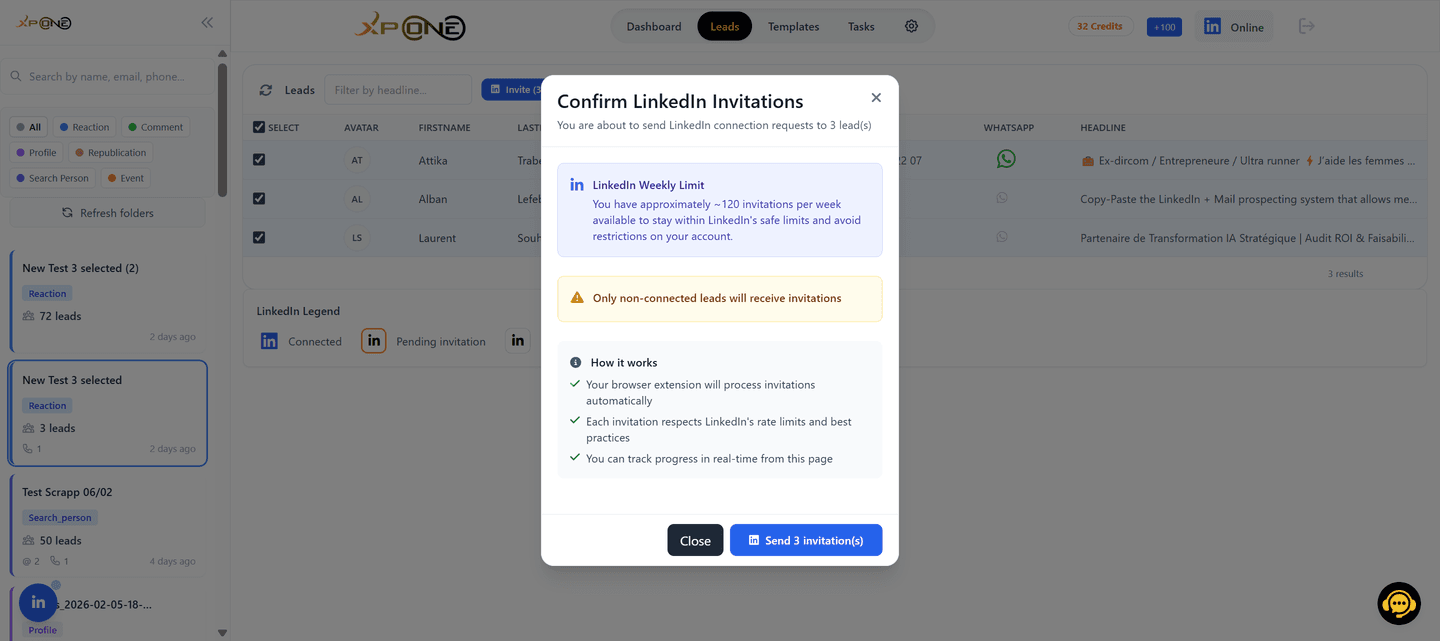
| Invitations | 100 per rolling 7 days (≈ 14 a day) | The one limit that shapes every prospecting plan — it is what keeps the account alive. |
| Prospects per campaign | 200 max (LinkedIn message campaigns: 100) | A campaign that never gets large enough to look like a burst. |
| Delay between invitations | 1 min 45 – 2 min 15, randomised | Randomised, never a fixed interval — a metronome is the easiest pattern to spot. |
| Cooldown between campaigns | 2 hours | Two campaigns cannot stack their volume back to back. |
| Quiet hours | 21:00 – 08:00, in your time zone and the prospect's | Nothing is sent at 3am on either side of the conversation. |
| Task timeout | 5 minutes | A hung task is caught by the watchdog instead of retrying forever. |
| Extension heartbeat | every 10 seconds | If the extension stops answering, campaigns pause automatically. |
| Circuit breaker | 5 consecutive failures | Five errors in a row and everything stops, before LinkedIn draws its own conclusion. |
| Collection | 100 profiles · 150 reactions · 150 people-search results a day | The same discipline applied to collection, not just to sending. |
| 20 a day in warm-up · 150 a day at full reputation | Volume follows the sender's reputation, never the other way round. |
Limits as enforced in the product — verified on the code base of 5 September 2026. They are ceilings, not targets.
A unified inbox, multichannel sequences, a progressive web app and a template editor are being built or being rolled out account by account. They are not part of what you are buying today, so they are not arguments on this page. Signal scoring and autonomous assistants are further out still, and we say so.
Everything with a date, a status and a caveat lives on one page: the roadmap. Buy the product that exists today; if the roadmap lands, treat it as a bonus.
One platform, one subscription, a native CRM, and an anti-ban engine you never have to configure.